


Privacy when you want it, light when you don't. A Feather River fiberglass entry door whose glass goes from private to clear at the touch of a button, your voice or your phone.

Sold exclusively at The Home Depot.
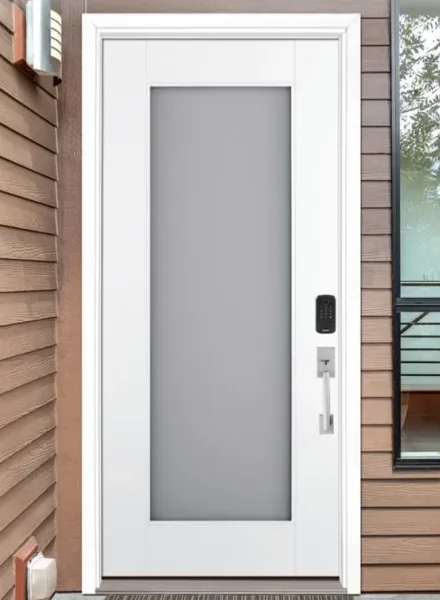
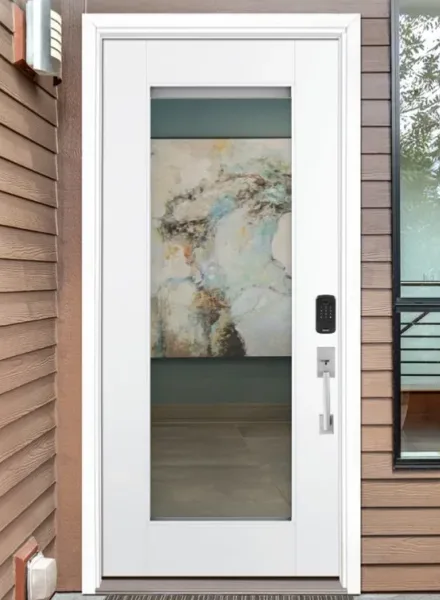
- No electricianAll the wiring is inside the door.
- About 2 monthsper charge with normal daily use.
- Limited lifetime warrantyThe warranty has the terms.
- Private if power runs outthe glass defaults to frosted.
See Switch in action
What's on the door
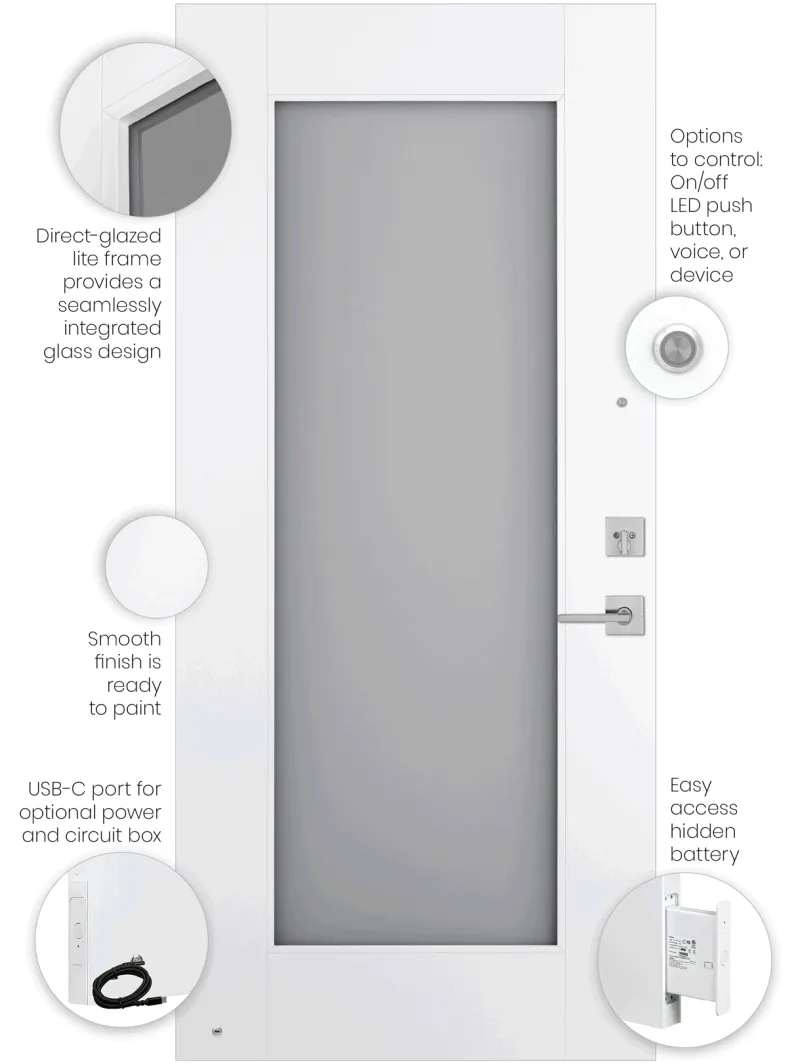
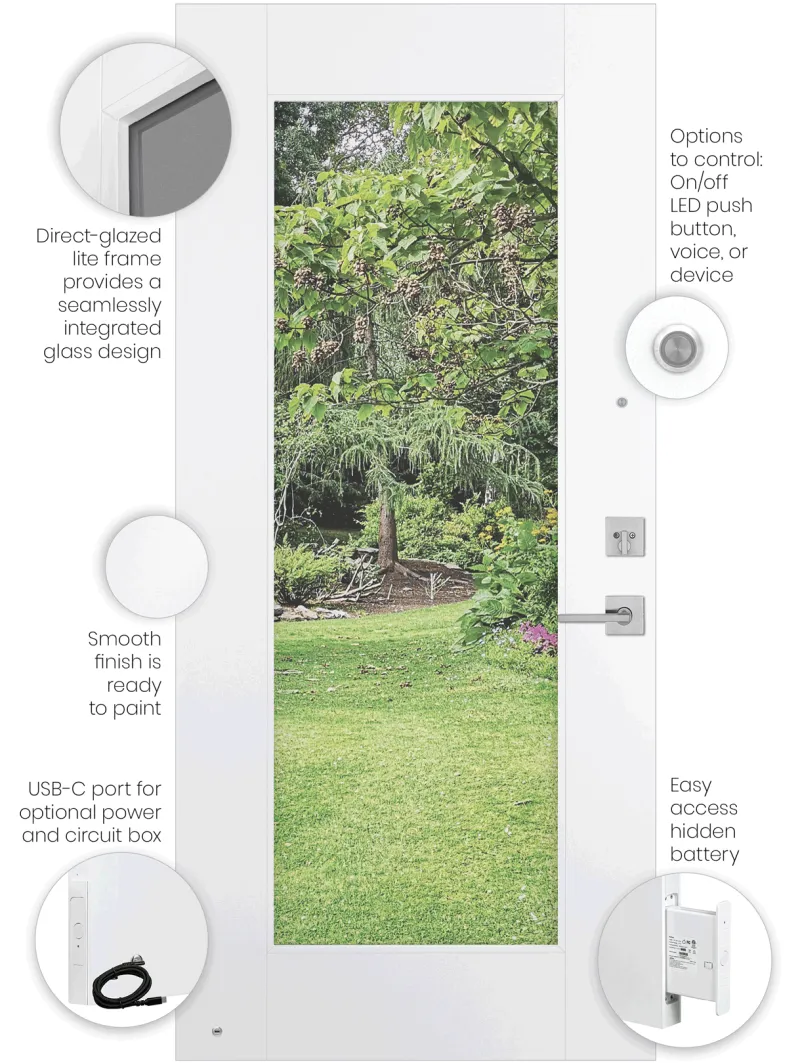


Four ways to switch it
- The button on the doorAn LED push button beside the glass.
- The Hubspace appiPhone and Android, over 2.4 GHz Wi-Fi. Shows the battery too.
- Your voiceAmazon Alexa and Google Home, linked through Hubspace.
- A scheduleClear at set times, or at sunrise and sunset; private the rest.
How the glass works
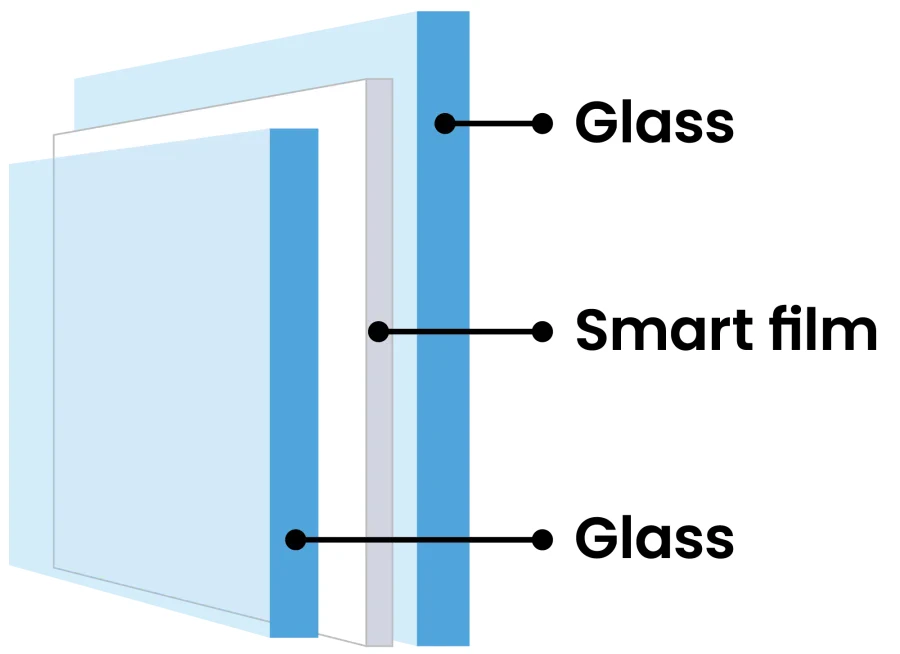
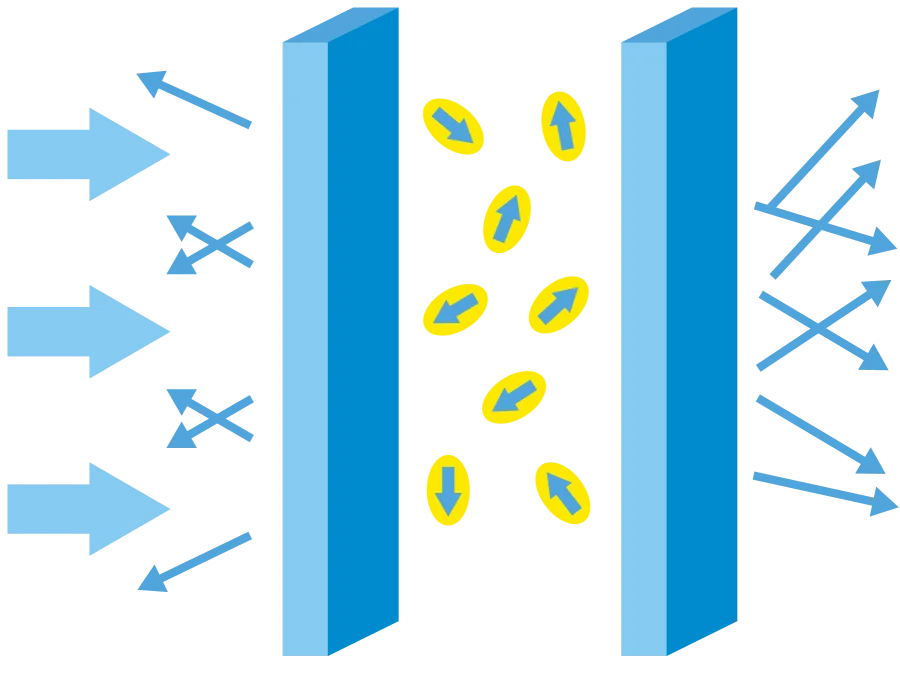
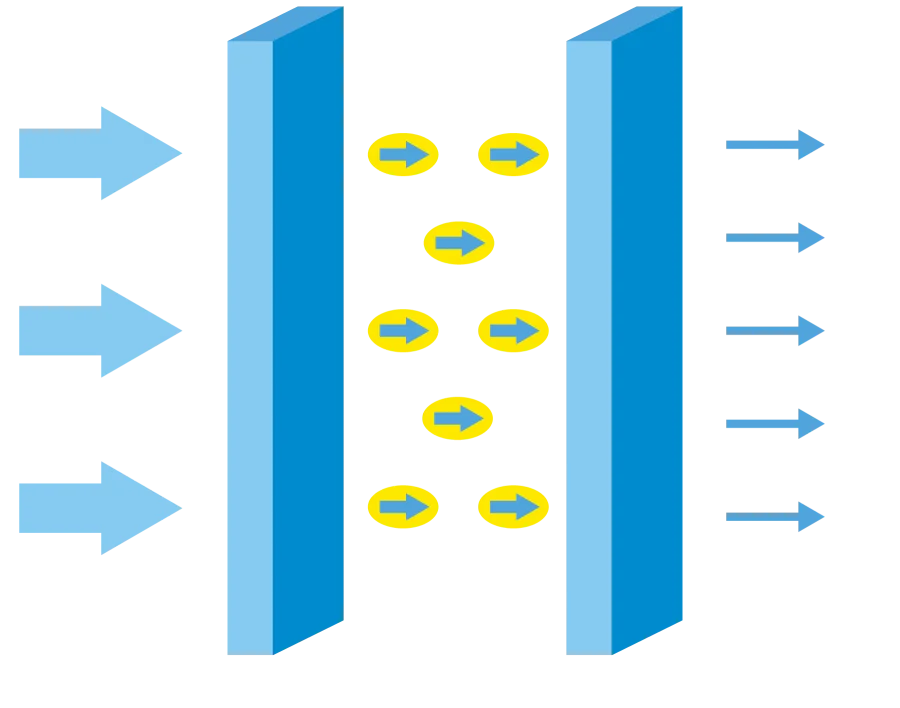
A layer of smart film sits between two panes of glass. Inside it, liquid crystals either scatter the light or let it through.
Specs and what's in the box
- Door
- Fiberglass, smooth, ready to paint (painting is required for the warranty)
- Frame
- Rot-resistant PVC jamb, ball-bearing hinges, direct-glazed lite frame
- Glass
- PDLC smart glass in Low-E insulated glass
- Power
- Rechargeable battery (spare included), or USB-C to an outlet
- Battery life
- About 2 months with normal daily use
- Recharge
- About 8 to 14 hours, on the stand or through the door
- App
- Hubspace, iPhone and Android; needs 2.4 GHz Wi-Fi
- Voice
- Amazon Alexa, Google Home
- Installation
- Standard rough opening; no electrician
- Hardware
- Any standard tubular lockset or gripset; adhesive kick plates only
- Not offered
- Pet doors, double doors, 8-foot doors
- Special order
- Impact rated (HVHZ/WBDR), sidelites, simulated divided lites, cut-downs
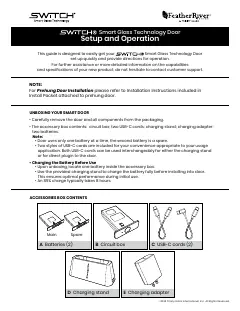
In the box
- Circuit box
- Charging stand and adapter
- 2 batteries (one is a spare)
- 2 USB-C cords
- Quick start guide with the app QR code
Warranty
Limited lifetime warranty. The warranty has the terms.
Questions
How it works
How does Switch work?
Switch uses Polymer Dispersed Liquid Crystal (PDLC) technology. When an electrical current is applied, the liquid crystals align and the glass turns clear. Removing the current scatters the crystals and the glass turns private. You change it with the button on the door, the Hubspace app, or Alexa and Google Home.
How is Switch powered?
By a rechargeable battery, or by a USB-C cord to a standard outlet. When the glass is private (off), it draws minimal power in a low-energy standby mode.
What's included with my door?
An accessory box with a circuit box, USB-C cords, a charging stand, a charging adapter, and two batteries (one primary and one spare).
What happens in a power outage?
Switch runs on its battery. If the battery is fully drained, the glass goes back to private.
Installing and fitting
What sizes and options are offered?
Shop what's available at The Home Depot. Impact-rated (HVHZ/WBDR) doors, sidelites (operable and non-operable) and simulated divided lite bars are available by special order at The Home Depot. Double doors and 8-foot doors aren't offered at this time.
How hard is Switch to install?
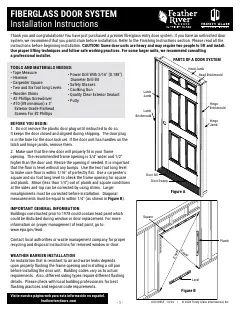
No different from a standard door. It fits regular rough openings, and there are no wires to attach: all the circuitry is inside the door, so you don't need an electrician. The installation guide has the steps.
What locksets work with Switch?
Any standard tubular lockset or gripset.
Can I add a kick plate or pet door?
Only kick plates that attach with adhesive tape: screws can damage the circuits. Pet doors can't be installed, because of the wiring in the bottom panels.
Can I put a storm door over it?
Only a venting storm door. A full-view non-venting storm door voids the warranty.
Is the glass replaceable?
No. Replacing the glass means a new door panel; the jamb stays in place and the hinges move to the new panel.
Can I put decals on the glass?
Yes. Decals and stickers don't harm the glass.
Can the door be cut down for height?
Yes, from 1/8" to 2" off the top, by special order.
Battery and charging
How long does the battery last?
Typically about 2 months with normal daily use. Leaving the glass clear for long periods drains it faster; the app's Auto Privacy Timer helps if it's left clear by mistake. Left clear around the clock, it lasts about:
| Full lite | 3/4 lite | Half lite | Craftsman |
|---|---|---|---|
| 6 days | 6 days | 8 days | 14 days |
How do I know when to recharge, and how long does it take?
A red light flashes on the battery below 20%, and the Hubspace app warns you. Recharging takes about 8 to 14 hours on the charging stand or through the door's USB-C port.
Can I leave the cord plugged into the door?
Yes, but take the battery out once it's full: a constant trickle charge shortens its life. The cord is 6 feet; a longer USB-C cord works if your outlet is further from the hinges.
Can I buy another battery?
Yes, by special order at The Home Depot or HomeDepot.com.
Painting and care
Do I need to paint the door?
Yes. Paint it with a high-quality exterior latex paint: an unpainted door isn't covered by the warranty. The finishing instructions are in the installation guide.
How do I clean the glass?
Like ordinary glass, with a mild glass cleaner. Avoid abrasive materials and cleaners.
Hubspace app
What does the app do?
Switches the glass, shows the battery and warns below 20%, runs schedules (including sunrise and sunset), and sets how long the glass may stay clear.
What Wi-Fi does it need?
A 2.4 GHz Wi-Fi network. If yours isn't listed, make sure the router has 2.4 GHz turned on and the door is in range.
Where's the QR code?
On the orange quick start guide in the accessory box, and on the circuit box. If it's damaged, enter the ID next to it, or hold the door's button for 5 seconds to go into setup mode.
Does it work with Alexa and Google Home?
Yes. Link them from the Integration tab in the Hubspace app, or add the Hubspace skill in the Alexa app or the Hubspace action in the Google Home app.
No question matches. Call customer service at 800-375-8120.
Switch documents
 Quick start guidePDF · 1 page · 0.2 MB
 Setup and operationPDF · 4 pages · 1.1 MB
 Frequently asked questionsPDF · 11 pages · 1.7 MB
 Installation, finishing and carePDF · 8 pages · 0.9 MB
 Energy ratingsPDF · 4 pages · 2.0 MB
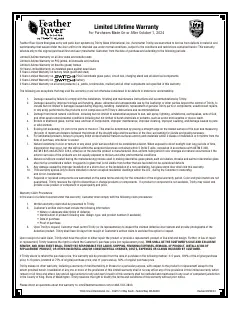 WarrantyPDF · 1 page · 0.2 MB
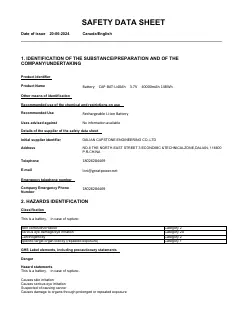 Battery safety data sheetPDF · 12 pages · 0.2 MB
Setup instructions, the quick start guide, FAQ, energy ratings and warranty are also on the Resources page.
See Switch at The Home Depot
Switch is sold exclusively at The Home Depot, in stores and online. Questions first? Call 800-375-8120, Monday–Friday, 5:30 am to 5:00 pm Pacific time.